Each short video feels slow when it starts from zero. You pick a topic, write a script, find a place to film, and set the phone again. Thirty seconds of finished video can eat half a morning.
A planned batch changes the work. Five real customer questions can give you raw footage for 10 clips in one hour. The edit comes later. This guide covers both parts and shows how to judge the results after you post.
The short answer: Choose five questions that hold up a sale. Record a direct answer and a useful follow-up for each. Keep one camera setup for the whole hour. Then edit clean master files that you can adapt for each platform.
Give the batch one business job
A view is useful only when it leads somewhere. Before you choose a topic, decide what the batch needs to do for the business.
Each video should have one job:
| Job | What the viewer needs | Useful next step |
|---|---|---|
| Discovery | A clear answer to a common search or question | Watch another answer |
| Proof | A look at the people or process behind the work | Visit the profile or service page |
| Objection | Help with a concern about price, time, fit, or risk | Read a guide or ask a question |
| Action | The first step needed to start | Send details or book a visit |
Pick one job for the full batch. A local roofing company, for example, might focus on the questions people ask before they request an inspection. That keeps all 10 clips tied to the same point in the sale.
A wider content marketing plan can cover other goals. The one-hour batch works best when it stays narrow.
Find five questions worth filming
Open the last 20 customer emails, text threads, form leads, or call notes. Copy each question in the customer’s own words. Those words are often better than a polished marketing phrase because they sound like the person watching.
Do not choose a question because it seems trendy. Score it first. Give each question zero, one, or two points in four areas:
| Test | 0 points | 1 point | 2 points |
|---|---|---|---|
| Frequency | Asked once | Comes up now and then | Comes up each week |
| Sales friction | Has little effect | Slows the next step | Often stops the sale |
| Safe answer | Needs a full review | Can be answered with limits | Has a clear general answer |
| Visual proof | Hard to show | One support shot helps | Easy to show on camera |
Add the four scores. Start with the five highest totals. Keep legal, health, finance, or safety advice within the limits of your field. A short clip should not carry a claim that needs a full review or personal diagnosis.
For a roofing company, the list might include these questions:
- Can you give me a price from photos?
- What happens during a roof inspection?
- How long does a small repair take?
- What should I move before the crew arrives?
- Which leak signs need a quick call?
This list already contains the language for the openings. It also reflects real buyer concerns, which gives every clip a reason to exist.
Turn five questions into 10 useful angles
Each question becomes two videos. The first gives the direct answer. The second pulls out one step, limit, or example that deserves its own clip.
Use this map before you write:
| Customer question | Video A | Video B |
|---|---|---|
| Can you quote from photos? | Explain what photos can show | Show the three photos to send |
| What happens during an inspection? | Walk through the visit | Show one item the inspector checks |
| How long does a repair take? | Explain the normal range without promising | Name the issue that can add time |
| What should I move first? | Give the short prep list | Show a safe work area |
| Which leak signs need a quick call? | Name the warning sign | Show what to photograph before calling |
Now the batch has 10 distinct promises. You are not slicing one answer into two weak halves. Each clip can stand on its own.
Write a 60-word answer card
Once the 10 angles are clear, the writing gets easier. Use a small answer card instead of a word-for-word script. It should contain four lines:
- The question in the customer’s words.
- A direct answer in one sentence.
- One detail that changes or limits the answer.
- A useful next step.
A roofing company might write this:
Can you quote a roof repair from photos? Photos can help us see the damaged area, but they may not show the deck below it. Send one wide photo and two close photos. We can then tell you if an on-site check is needed.
Read the card aloud twice. Cut any phrase you would not use on a customer call. Most answer cards should fit on one index card and take 20 to 45 seconds to say.
Do not memorize the card. Look at it, understand the point, and speak to one person. A small pause sounds more human than a perfect reading.
Plan what the viewer needs to see
With the answers written, make a short shot list. Mark each clip as a face shot, a real support shot, or an explanatory support shot.
Use real footage for your team at work and real outcomes. Show a hand checking a part. Film the space before an appointment. Let the viewer see the item named in the answer. Get written permission before you show a customer or private property. Use a signed release for a testimonial.
Generated footage has a smaller role. Some support shots are costly or unsafe to stage. The Seedance 2.5 AI video creation tool can turn a text prompt or still image into a rough clip for the edit.
Use that clip to explain an idea. It should never pose as a real customer job or a true result. Label realistic synthetic footage when a viewer may mistake it for a real event. YouTube also asks creators to disclose altered or synthetic content that seems real in its upload settings.
A phone batch is right for quick answers and routine demonstrations. A customer story, major campaign, or full brand film may call for a planned media production shoot.
Set the phone once
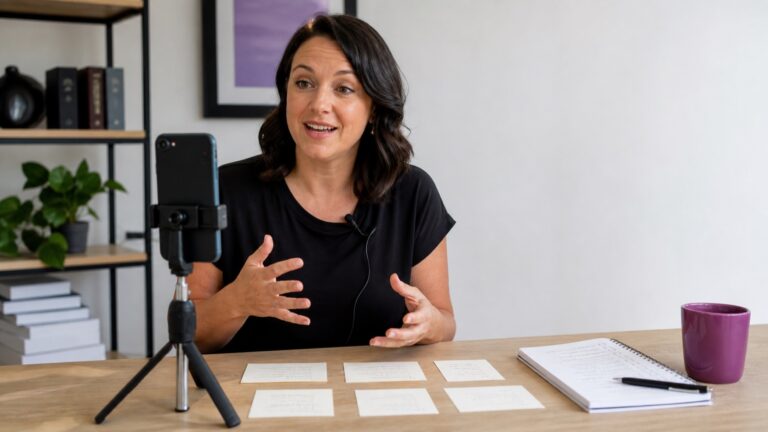
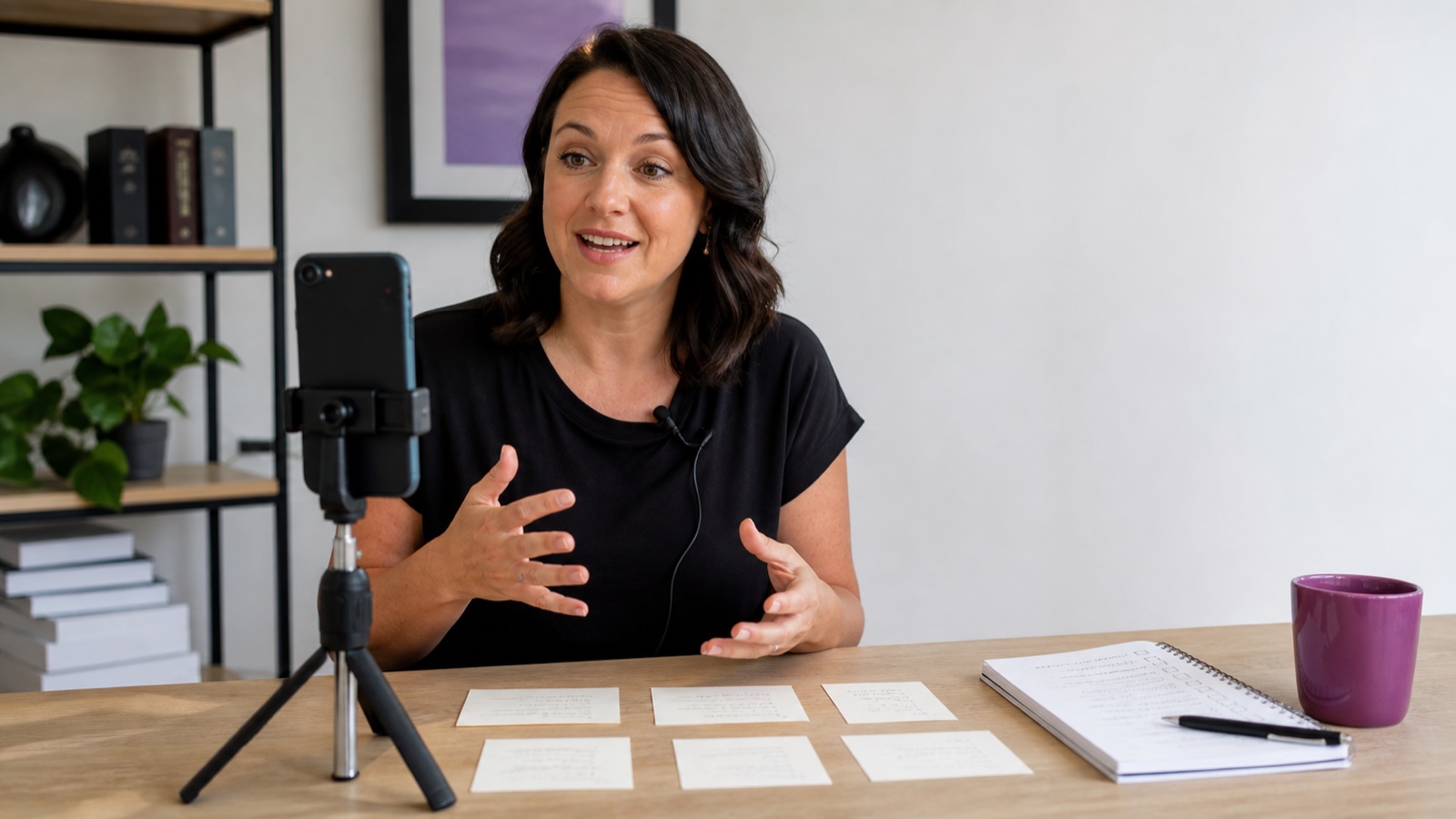
The setup should take 10 minutes. Put the phone on a tripod or stable stand at eye level. Face a window or a soft light. Clean the lens, silence alerts, and record a 10-second sound test.
Clear sound matters more than a perfect background. Start in a quiet room. If the voice sounds distant or the room echoes, move the phone closer or add a small microphone. Test before the full batch.
Record a clean vertical master. TikTok’s current Creative Codes call for a full-screen 9:16 frame. They also call for at least 720p and space for the app’s controls. Meta gives similar Reels guidance for vertical video with audio. Its guide also shows where to keep key text.
Keep faces and key text near the middle of the frame. Platform buttons and captions can cover the edges. Record without a platform watermark so the same clean file can be adapted later.
Run the 60-minute recording plan
With the cards and shot list ready, the clock can start.
| Time | Work |
|---|---|
| 0 to 10 minutes | Set the frame and light. Record the sound test. |
| 10 to 35 minutes | Record the five direct answers. Give each answer two takes. |
| 35 to 50 minutes | Record the five follow-up clips. Keep each one to a single point. |
| 50 to 60 minutes | Film support shots, replace weak lines, and save the files. |
Keep the camera in the same place for all 10 clips. Change the background or shirt only if it takes a few seconds. A clear answer matters more than the illusion that each clip came from a new shoot.
Two takes are enough for most answers. The first helps the speaker settle in. The second is often shorter. Record a third only when the point was wrong or the sound failed.
The first batch may run past one hour. That is normal. The target gets easier once the team has answer cards and a fixed file routine.
Edit in a separate work block
The recording hour does not include editing. Plan a second block for that work. The time depends on the editor and how much each clip needs.
Start by saving a clean master for every clip. Then make the edit in this order:
- Put the strongest useful line first.
- Cut dead air and repeated words.
- Add checked captions.
- Add a support shot only when it helps the answer.
- Place the business name or logo near the end.
- Add one next step.
Check every name and trade term in the captions. Auto captions often miss the words that matter most. Keep the on-screen title under eight words and make it specific. “Three photos to send for a roof quote” earns more attention than “Roofing tips.”
Add music after the voice is clear. Lower it when it competes with speech. Remove it when the answer works better on its own.
Adapt the clean master for each platform
Cross-posting saves time, but each platform packages the clip in a different way. Keep the answer the same. Adjust the parts that help someone find it and act on it.
| Platform | What to adjust |
|---|---|
| TikTok | Keep the 9:16 frame, leave room for controls, and use a clear hook, body, and close. Add sound that fits the message. |
| Instagram Reels | Choose a clear cover, keep text in the safe area, and match the caption and action to the post. |
| YouTube Shorts | Use an accurate, searchable title. Add checked captions and a related video when the channel has one. |
YouTube now treats square or vertical videos of up to three minutes as Shorts, but that limit is not a target. Use the time the answer needs. YouTube’s own Shorts guidance and title advice stress accurate packaging rather than a magic length.
A ten-clip batch can support five weeks at two posts per week. It can cover a little more than three weeks at three posts per week. Choose the pace the team can keep, then use social media marketing data to decide where the next batch belongs.
Give every clip one next step
The action should continue the answer. Ask the viewer to send photos, book a visit, read the related guide, or save the checklist. Pick one.
Avoid a stack of requests for a follow, share, sale, and call. Too many choices make the useful move hard to see.
Say the action in the video and repeat it in the caption. “Send us three photos for a first look” tells the viewer what to do. “Contact us to learn more” makes the customer figure it out.
Run a 30-day test
Publishing starts the test. Use one sheet with these columns:
- Post date
- Customer question
- Opening line
- Platform
- Views or reach
- One attention measure, such as average watch time
- One trust action, such as a save or qualified comment
- One business action, such as a call, form, message, or booking
Judge each clip by its assigned job. A discovery clip may earn qualified reach. An objection clip should lead to deeper questions or visits. An action clip should produce a clear business step.
At day 30, sort the sheet by business action. Keep the top two questions and record them again with a new opening. Drop topics that draw broad views but no useful response. The next batch should come from evidence, not habit.
This measurement also shows how video supports the wider marketing funnel. The clip starts a path. The rest of the site and sales process must finish it.
Fix these common batch mistakes
The topic is too broad. “Roof maintenance” is a category. “Three photos to send before a roof quote” is a video.
The logo takes the opening seconds. Start with the answer. Put the logo near the end.
The room sounds empty. Move closer, soften the room, or use a small mic. Clear speech beats a stylish set.
The generated shot looks like proof. Replace it with real footage or label it. A useful visual is never worth a false impression.
Every platform gets the same package. Keep the clean master, then change the title, cover, caption, and action.
Nobody owns the next step. Decide who answers messages or form leads before the posts go live.
Short-video batching FAQs
What equipment does a small business need?
A current phone, stable mount, soft light, and clear sound are enough for routine answers. Test the room before buying gear. Add a microphone when distance or echo causes a real problem.
How long should each short video be?
Use enough time to answer one question well. Many direct answers fit in 20 to 45 seconds. A demonstration may need longer. Cut the clip when the promise is complete, not at an arbitrary number.
Can the same video go on every platform?
Yes, if you start with a clean master. Adjust the opening, cover, caption, audio, and next step for each platform. Do not download a posted clip with one platform’s watermark and use that as the master.
How often should a small business post?
Choose a pace the team can keep for 30 days. Two posts per week gives a 10-clip batch five weeks of use. Increase the pace only when the questions and follow-up stay strong.
When should a business use generated video?
Use it for an explanatory scene that would be unsafe or costly to stage. Use real footage for people, work, customer stories, and results. Label realistic synthetic scenes when viewers could mistake them for real events.
Open your last 20 customer messages today. Score the questions, choose five, and book one recording hour. The next 10 clips should begin with what customers already want to know.